Construction & Engineering2026-04-10T05:22:31+00:00

Keep Project Files as Structured as Your Designs

About Us

Construction teams manage many reports across multiple projects. AI Office Toolkit automatically organizes these files so engineers and project managers can quickly access the right documents.

Construction Work Comes With Endless Project Documents

Construction and engineering projects generate many documents, including drawings, RFIs, contracts, inspection reports, and change orders.

When multiple teams collaborate across projects, these files often end up scattered across folders, emails, and shared drives.

If the latest drawings or documents are hard to find, coordination slows down and teams risk working with outdated information.


Keep Every Project File Exactly Where It Belongs

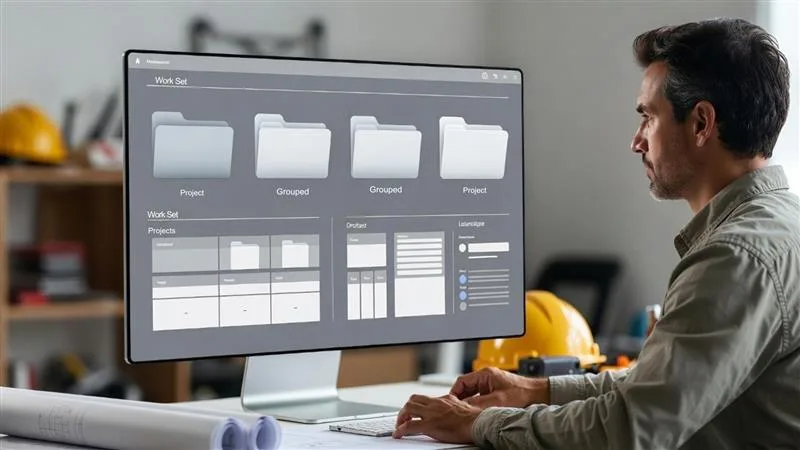
AI Office Toolkit automatically organizes drawings, site reports, RFIs, and project documents into structured folders. Files are intelligently named and categorized so engineers and project managers can quickly find the information they need.

This allows construction teams to spend less time searching for files and more time focusing on project execution.

Smart Features Behind Organized Project Files

Auto File Naming

Construction documents are automatically renamed using details such as project name, drawing type, or revision number.

Auto Folder Creation

Project folders are created automatically using project name, site location, contractor, or construction phase.

Auto Document Organization

Drawings, RFIs, contracts, and site reports are automatically placed into structured project folders.

Auto Split, Merge & Sort

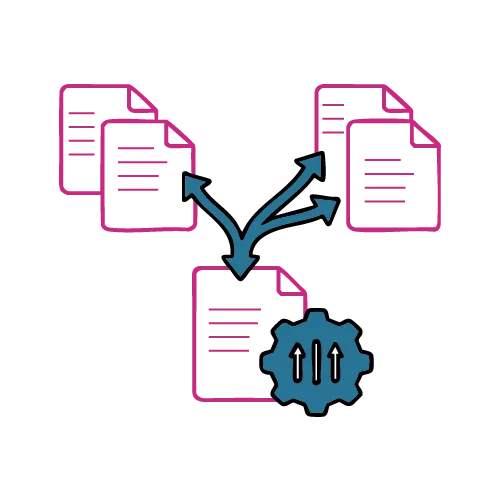
Large blueprint sets, inspection reports, or project document packages can be split or combined into organized project files.

Auto Page Rearrangement

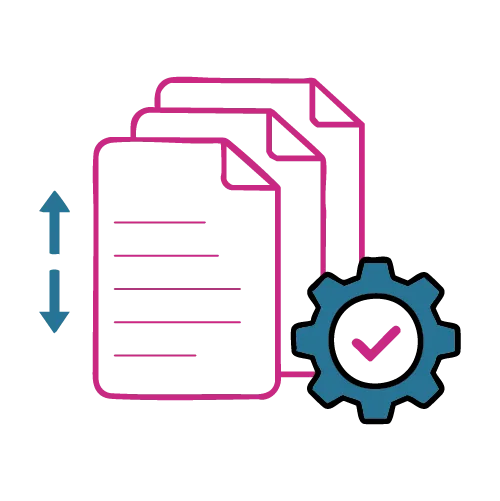
If scanned drawings or reports appear out of order, pages are automatically rearranged correctly.

Auto Data Extraction

Key details such as project names, drawing numbers, and project dates are extracted for faster retrieval.

Benefits for Construction & Engineering Teams

  • Project Files Organized – Maintain structured documentation for every construction project

  • Faster Drawing Retrieval – Quickly locate engineering drawings, RFIs, and change orders

  • Reduced Administrative Work – Minimize time spent organizing project documentation

  • Structured Project Archives – Automatically organize documents by project and phase

  • Improved Site Coordination – Ensure teams access the correct project documents during execution

10+

File types supported

100%

Automation

0%

Manual Effort

Why Choose AI Office Toolkit?

  • AI-Powered File Organization

AI automatically organizes files into structured folders based on the document content, reducing manual file management.

  • Intelligent File Naming

Documents are automatically renamed using information detected inside the file, eliminating confusion from generic file names.

  • Faster Document Retrieval

Structured folders and intelligent naming make it easy to locate files quickly when needed.

  • Automated Document Processing

Automatically split, merge, rearrange pages, and extract important data from documents to simplify document workflows.

User Testimonials


“AI Office Toolkit transformed how we manage files.

Everything is named, sorted, and organized automatically—saving time and reducing effort every day.”

Freelance Consultant

Simplify Financial Document Organization

AI Office Toolkit helps accounting and finance teams automatically organize files, rename documents intelligently, and maintain structured folders without manual work.


Book a Quick Consultation

By submitting this form, you agree to be contacted regarding your consultation request. Communication may occur via email or phone. Message frequency may vary, and standard carrier charges may apply. You can opt out at any time.

Go to Top