
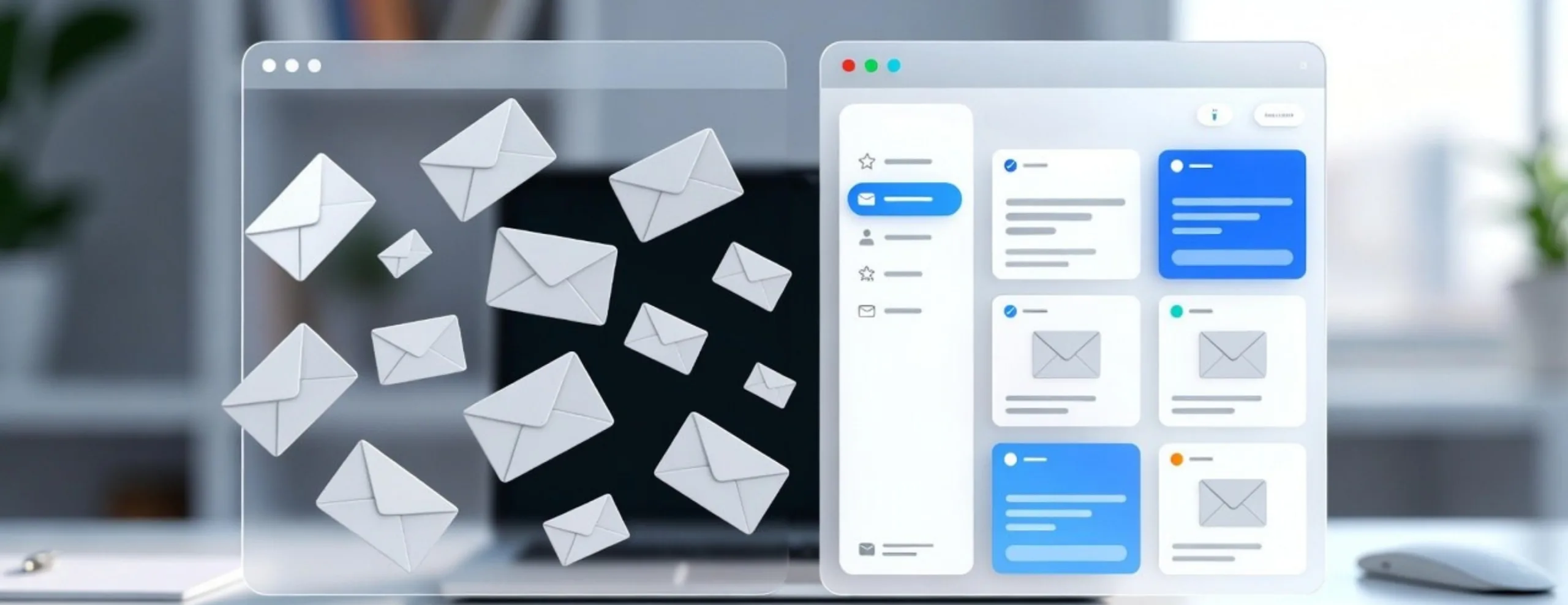
The Email Organization App Your Inbox Needed: Introducing Clenza
An email organization app is supposed to make managing your inbox easier—but for most people, it still feels like a daily struggle. You open your inbox to reply to one email, and ten minutes later, you’re still there—scrolling, searching, and trying to figure out what needs your attention first.
That’s not because you’re inefficient. It’s because your inbox was never designed to handle the way we work today.
“An inbox should support your work—not control your day.”
The real problem isn’t email. It’s the lack of structure behind it.
In this blog, we’ll break down why inboxes feel overwhelming and how Clenza, part of AI Office Toolkit, brings order back to your workflow.
Before we dive in, here’s what you’ll get from this guide:
The Problem: Email Chaos Is Still a Daily Reality
Most inboxes are not built for the volume of emails we receive today. Messages from clients, internal teams, updates, and notifications all get mixed together without a clear structure.
This lack of organization makes it difficult to stay focused. Important emails are often overlooked, while less relevant ones take unnecessary attention.
“When everything looks important, nothing actually is.”
As a result, managing email becomes a constant task instead of something that runs quietly in the background.
Hidden Costs of Poor Email Organization
An unorganized inbox affects more than just productivity. It directly impacts how efficiently work is completed and how smoothly communication flows.
When emails are not structured, decisions take longer, responses are delayed, and information becomes harder to track. Over time, this leads to unnecessary stress and reduced efficiency.
“The cost of a messy inbox is often hidden—but always felt.”
E-book: How Clenza Quietly Fixes the Way You Handle Emails
What an Ideal Email Organization System Should Do
A reliable email organization app should not add complexity. It should quietly organize incoming emails and keep everything structured in the background.
Emails should be easy to find, clearly prioritized, and consistently arranged so you can focus on your work instead of managing your inbox.
The goal is not control—it’s clarity.
In practice, your inbox should not feel like something you manage. It should feel like a system that already understands what matters.
This is the shift tools like Clenza are built to create.
Instead of relying on manual rules or filters, Clenza observes how your communication flows and starts organizing emails automatically—so your inbox stays structured without constant effort.
The best systems don’t make you manage emails—they remove the need to.
How Clenza Organizes Your Emails?
Here’s the behind-the-scenes workflow that transforms your inbox:
What Makes Clenza the Best Email Organization App
Clenza doesn’t just sort — it understands your inbox, automatically turning chaos into clarity. Here’s how:
How Your Workday Changes with Clenza
A structured system makes a noticeable difference in how email is handled. The comparison below shows how workflows change with Clenza:
| Situation | Before Clenza (Chaos Mode) | After Clenza (Clarity Mode) |
|---|---|---|
| You open your inbox first thing in the morning. | You scan to figure out what matters. Time wasted: 8–12 mins every morning | Priority emails surface instantly. Orientation time: under 30 seconds |
| A client sends an important update while you’re in a meeting. | It gets buried under internal updates. Delay: 1–3 hours before noticing it | Auto-pushed to your priority lane. Delay: 0 minutes — seen immediately |
| You receive 40–60 emails daily from clients, teams, tools. | Manual sorting becomes a daily burden. Sorting time: 10–15 mins/day | Emails are auto-categorized. Sorting effort: reduced by ~90% |
How This Email Organization App Transforms Your Daily Workflow
The moment it’s activated, it quietly starts sorting, labeling, and prioritizing your emails in the background. No setup hurdles, no learning curve.
- Emails land where they belong
- Priority messages rise automatically
- Noise stays out of your way
Clenza becomes the invisible layer that keeps your inbox effortlessly organized.

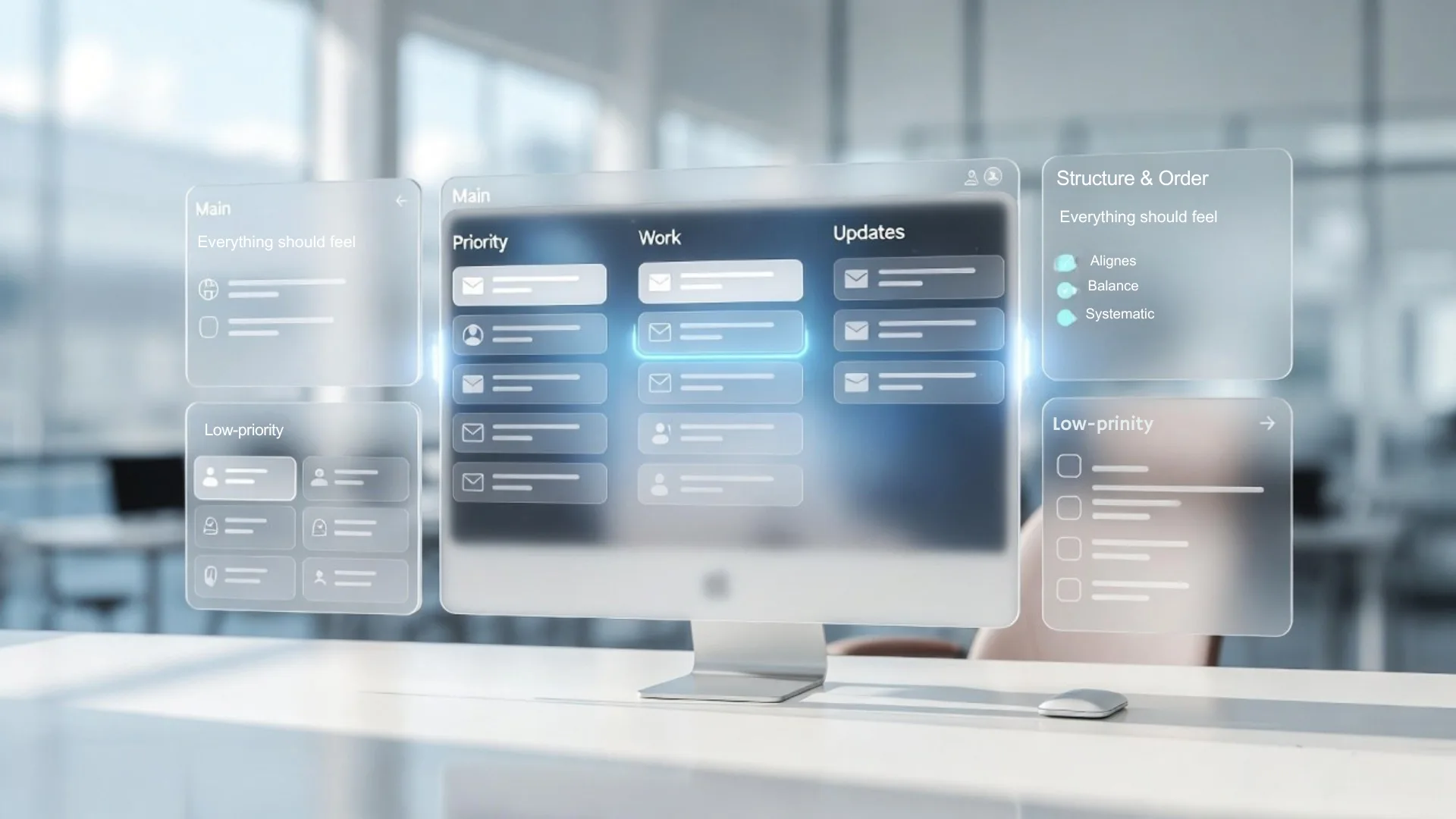
Who Should Use Clenza?
If this sounds like your everyday inbox…
then Clenza is built exactly for you:
Clenza isn’t built for a job title.
It’s built for anyone who wants an inbox that works for them—not against them.
Take Control of Your Inbox
Managing email manually can quickly become inefficient and time-consuming. A structured system can simplify this process and improve daily workflow.
Clenza helps organize emails automatically, prioritize important communication, and reduce inbox clutter without adding complexity.
Conclusion
Choosing the right email organization app can completely change how you manage your day.
Instead of spending hours sorting emails, Clenza helps you focus on what matters by automatically organizing your inbox, prioritizing important messages, and removing distractions.
If you’re tired of inbox chaos, Clenza is the smarter, faster, and more efficient way to take control.